How Linear's pricing page earns the upgrade
Linear's pricing page doesn't sell tiers — it sells the moment your team outgrows the free plan. Here's the machinery behind that.
Subject: LinearOn this page
Most pricing pages answer the wrong question. They explain what each tier costs. Linear's answers the only question that converts: "which plan is me, right now?" — and it makes the upgrade feel like a natural consequence of success, not a tax on it.
Let's take it apart.
The subject
Linear sells project management to engineering teams. Its buyers are design-literate and allergic to being sold to. So the pricing page does almost no selling — it removes friction and lets the product's reputation do the work.
- Typeface
- Inter Variable
- Tiers
- Free · Basic · Business · Enterprise
- Palette
- Near-black, one violet accent
- Default toggle
- Annual (cheaper, anchored)
The three moves that do the work
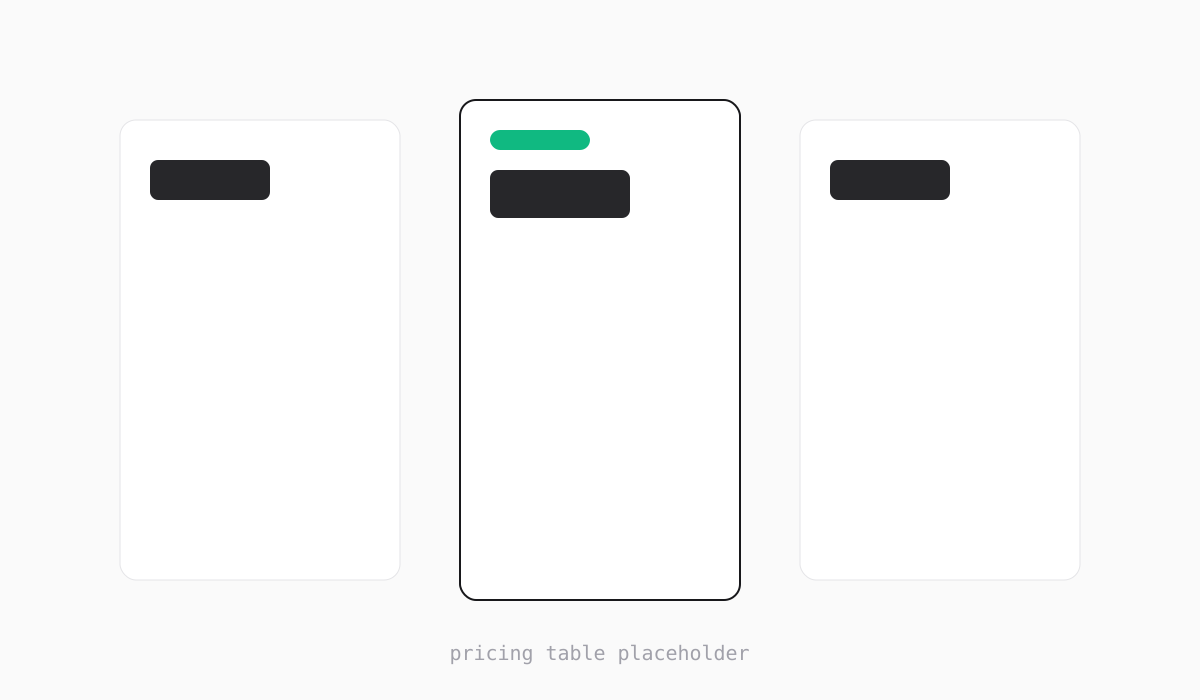
- 1The recommended tier is lifted, bordered, and badged — your eye lands here first, before you've read a word.
- 2Free isn't hidden or shamed. A confident free tier signals the paid plans are worth it.
- 3Annual billing is the default toggle, so the anchor price is the lower one.
- 4Enterprise is 'Contact us', not a number — qualifying high-intent buyers without scaring SMBs.
Three things are happening at once here, and none of them is "list the features":
- Visual hierarchy makes the decision for you. One tier is physically elevated. You don't choose from four equal options; you react to one highlighted recommendation and adjust from there.
- The free tier is generous and unashamed. That's a credibility play — a stingy free plan reads as "the paid plans are also stingy."
- The price anchor is pre-set to annual. The first number you see is the discounted one, so every monthly comparison afterward feels like a premium.
What I'd steal — and what I'd change
The move I steal every time: elevate exactly one tier and let hierarchy carry the recommendation. Most teams hedge by giving all tiers equal weight, which just pushes the decision back onto the visitor.
What I'd test changing: the feature list under each tier is still long. For a buyer who already knows Linear by reputation, that's scroll they don't need. I'd try a progressive-disclosure pattern — show the differences between tiers, collapse the shared baseline.
I rebuilt the elevated-tier pattern as a drop-in pricing component so you can ship the hierarchy without re-deriving the spacing.
The TL;DR
Hierarchy makes the choice
One tier is physically elevated. You react to a recommendation, not a flat menu of four equals.
Verdict
A masterclass in selling without selling. The restraint is the strategy — every removed element makes the decision cheaper. Loses a point only for feature-list length that a confident brand could trim.
- One elevated tier makes the choice for the visitor
- Generous free plan builds paid-tier credibility
- Annual-default anchoring frames every price favorably
- Feature lists are longer than a reputation-driven buyer needs
- Enterprise CTA could preview value before the contact gate
Stripe's hero: selling infrastructure with restraint
Stripe's hero: selling infrastructure with restraint
Stripe sells boring, critical infrastructure — and its hero makes that feel like the most ambitious thing you could build on. The restraint is doing the work.
What a design engineer actually does
The title sounds like a compromise between two jobs. In practice it's a third thing — and it's the most useful person to have on a small team.